

- Video
- Text
Using a PlayStation Controller on Drift Society
1
Download DS4Windows
Download the latest version of DS4Windows and extract the ZIP.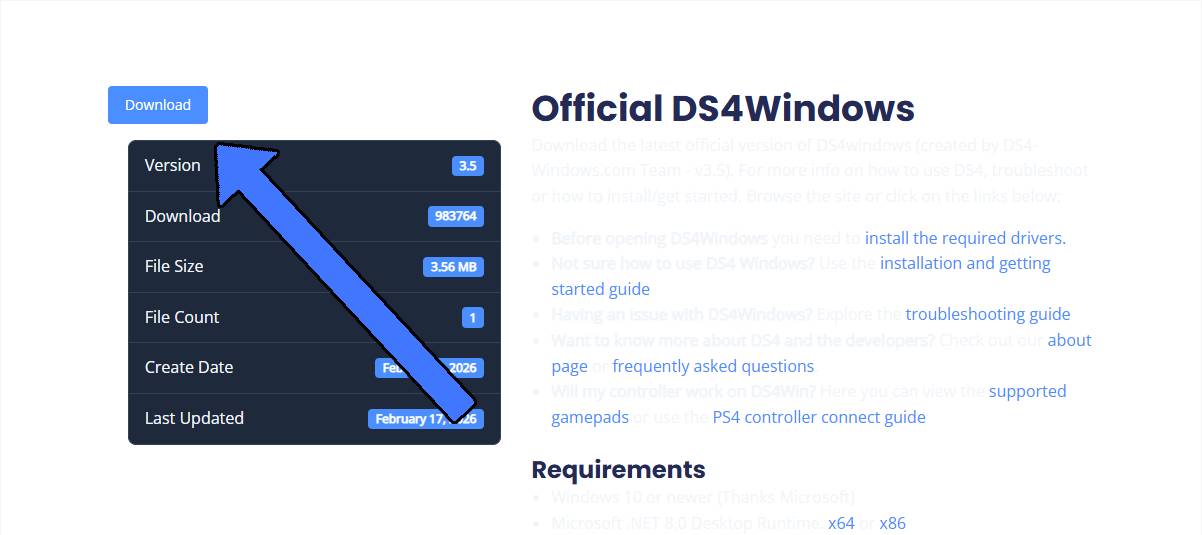
2
Install drivers
Open DS4Windows and complete the setup.Click Step 1: Install ViGEmBus Driver and finish installation.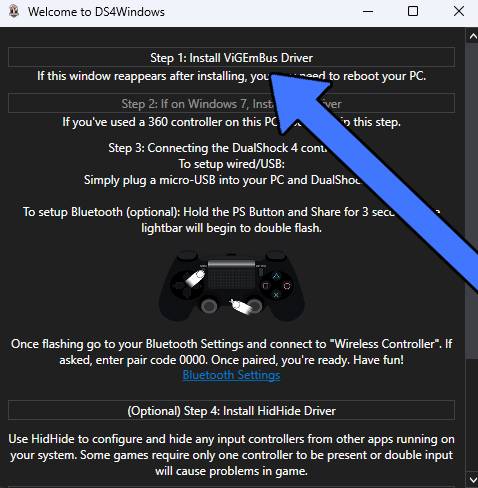
3
Connect your controller
Plug in your PlayStation controller with USB or connect via Bluetooth.
- if its your first time using your controller for DS4 Windows, u need to use wired not Bluetooth
4
Verify connection
Make sure your controller appears as connected in DS4Windows.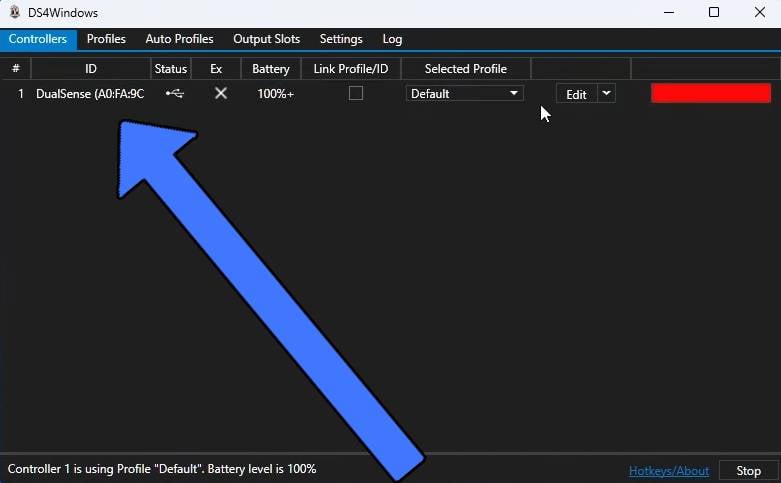
5
Launch FiveM
Open FiveM and wait for it to load.
6
Join Drift Society
Go to the Play tab, search Drift Society, and connect.Or press F8 and run:
connect play.driftsociety.lol